Model Manager
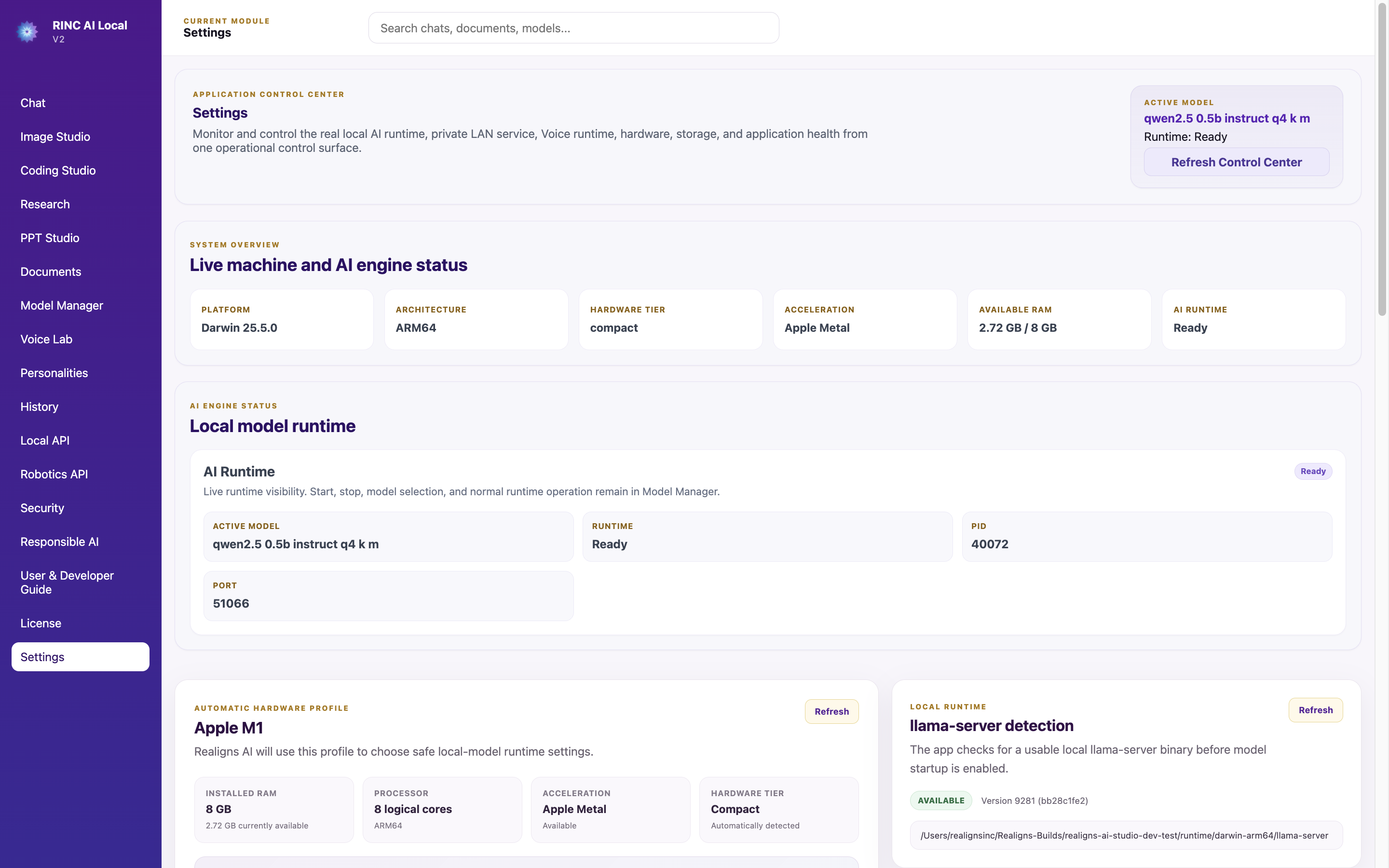
Import, select and manage compatible local models and control the local model runtime.
Select models • Review hardware fit • Start or stop the runtime
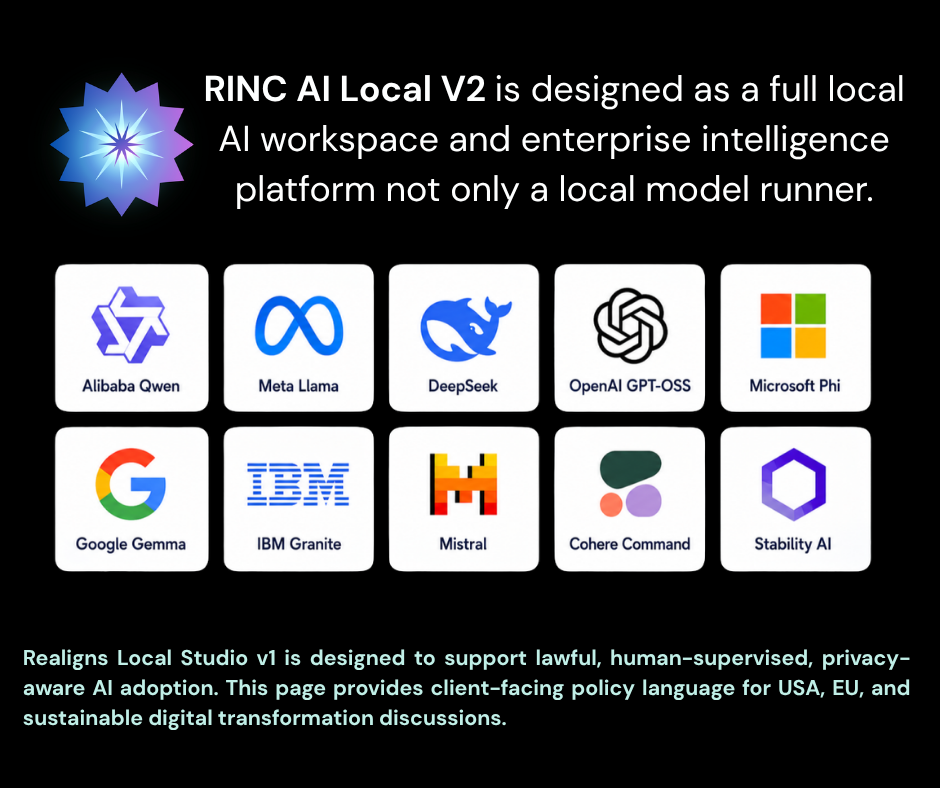
RINC separates AI workloads into dedicated modules so users can select the correct model, runtime and workflow for each task instead of forcing one model to do everything.
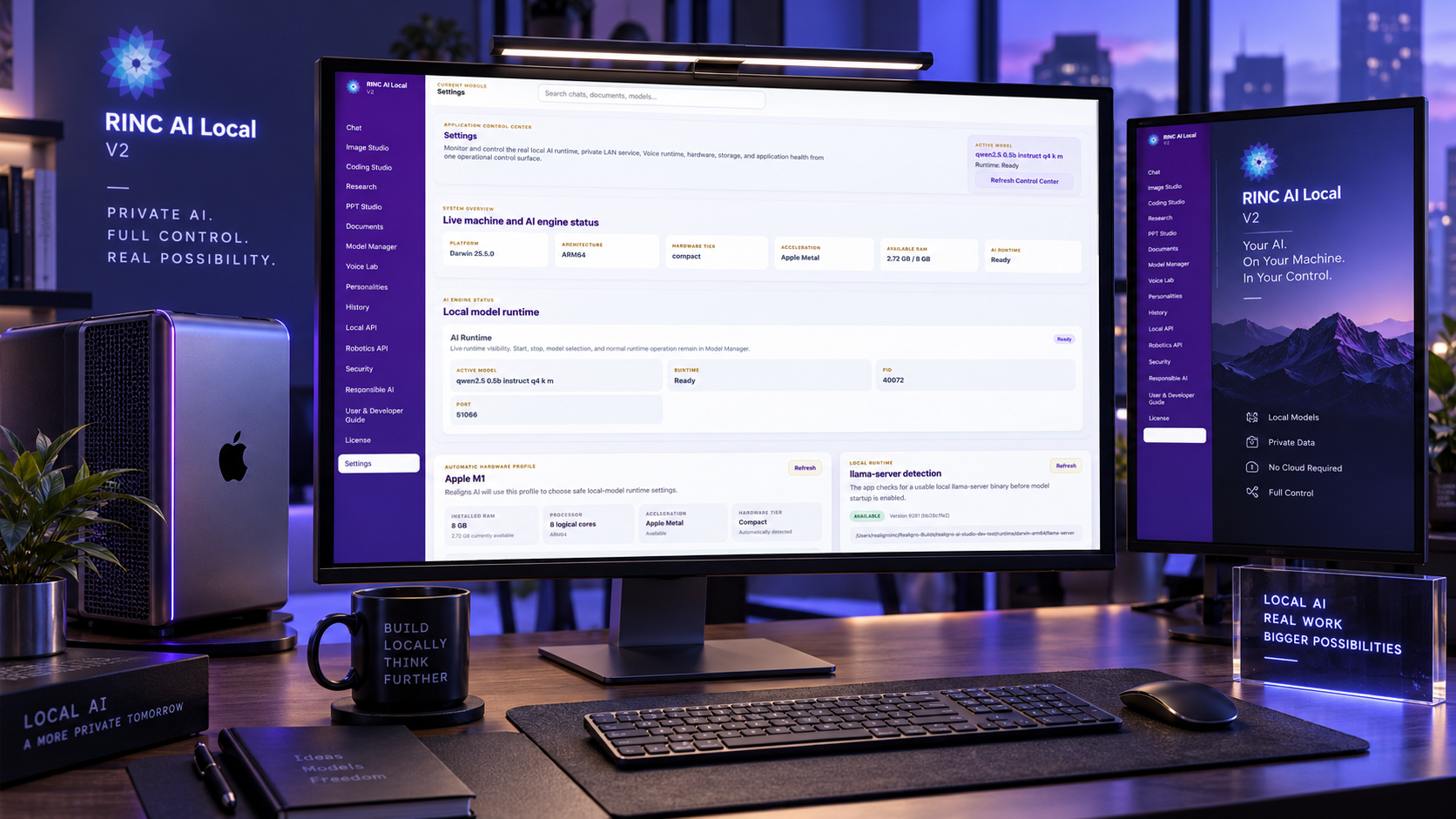
Run supported AI workflows locally using models selected for your machine, workload and quality requirements.
Import, select and manage compatible local models and control the local model runtime.
Select models • Review hardware fit • Start or stop the runtime
Use the selected local AI model for general conversation and everyday productivity.
Drafting • Summarization • Business support
Import approved files and use file-grounded retrieval and document chat workflows.
Policies • Manuals • Document Q&A
Combine local AI with intentionally enabled external web research when current information is required.
Current information • Source-assisted research • Technical discovery
Different workloads use the appropriate local runtime instead of forcing one model to perform every task.
Use a compatible code-capable local model for software drafting, review and debugging.
Code drafting • Bug analysis • Refactoring
Generate images with a dedicated local image model and image-generation runtime.
Concept images • Business visuals • Design ideation
Use supported local speech recognition and speech synthesis for spoken interaction.
Hands-free use • Voice support • Spoken assistant
Create structured presentation content and export through the presentation workflow.
Business decks • Training • Briefings
RINC provides application-level controls for history, security visibility, governance, licensing and system monitoring.
Apply approved role framing without replacing or modifying the underlying local model.
Business • Sales and Marketing • Operations
Review supported local conversation and workflow history.
Revisit work • Continue workflows • Local records
View application-level security activity, indicators and Local/LAN API visibility.
Operational awareness • Audit evidence • API visibility
Provide user-facing governance guidance and safe-use boundaries.
Human review • Usage boundaries • Governance reminders
Activate and monitor the installed RINC AI Local V2 license.
Activation • License status • Deployment continuity
Central monitoring, diagnostics, storage visibility and emergency local-service shutdown.
Application health • Runtime visibility • Emergency controls
RINC can provide authenticated AI services over localhost or controlled private LAN environments.
Expose approved RINC AI capabilities to internal applications over localhost or controlled private LAN.
Internal SaaS • Desktop/web clients • Department workflows
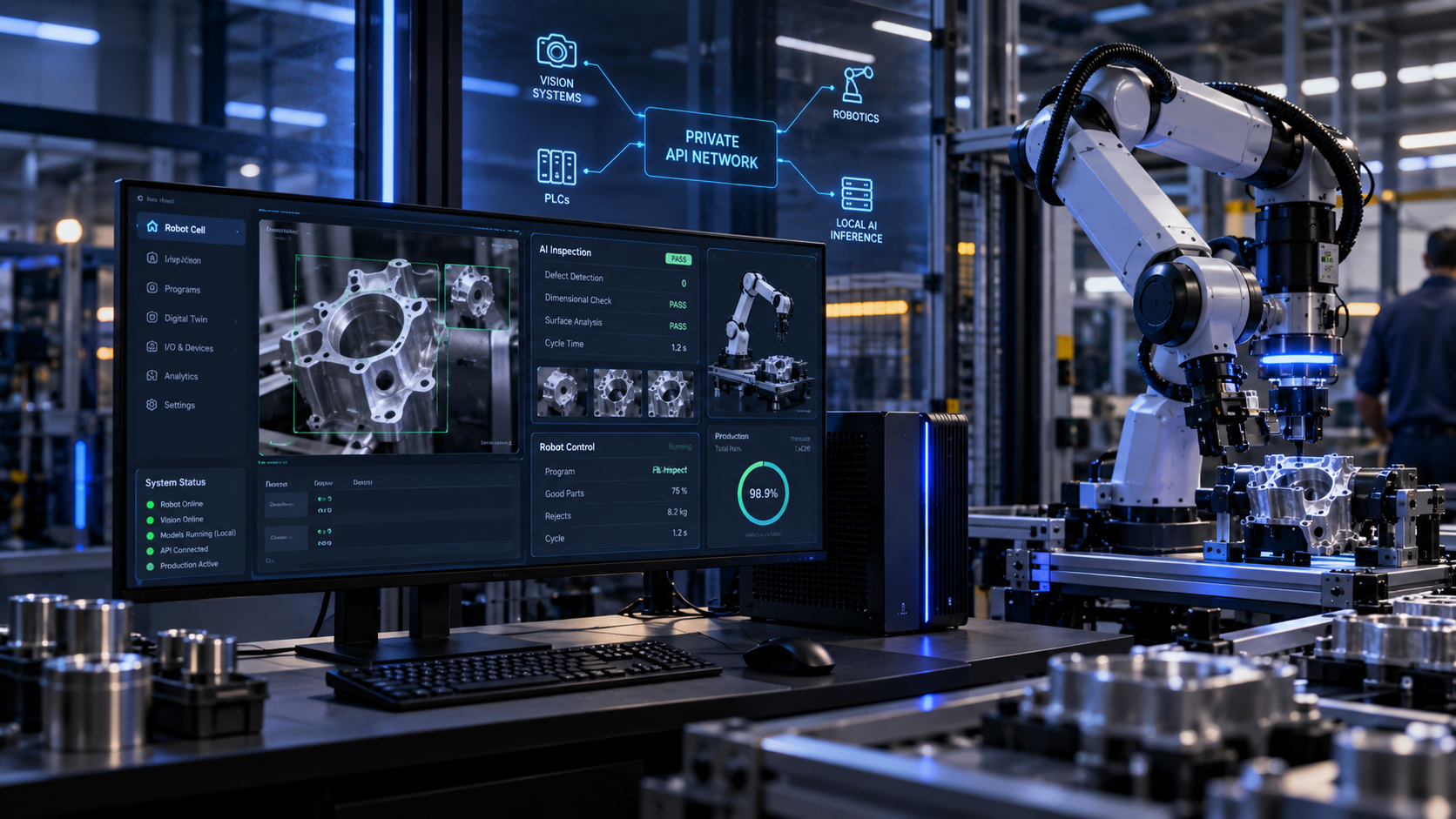
Provide governed local AI interpretation to customer-controlled robotics, machine-vision, inspection and sensor-assisted software.
Robotics • Visual inspection • Sensor interpretation • Industrial software
Text models, vision models, speech components and image generators serve different purposes. RINC brings these supported workflows together while allowing the appropriate runtime to remain responsible for its task.
Discuss Your DeploymentTell us your industry, expected number of users, hardware environment and required workflows.